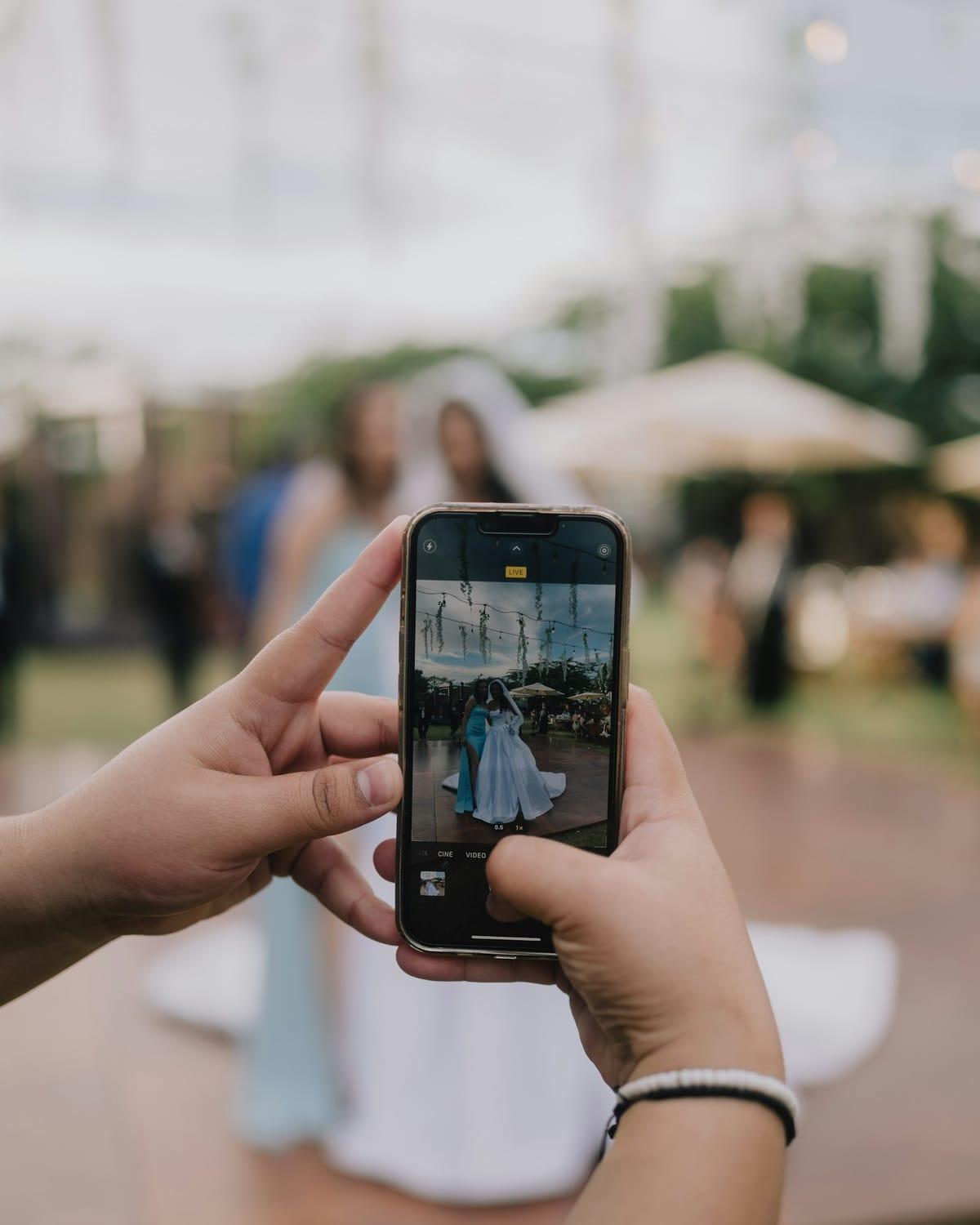
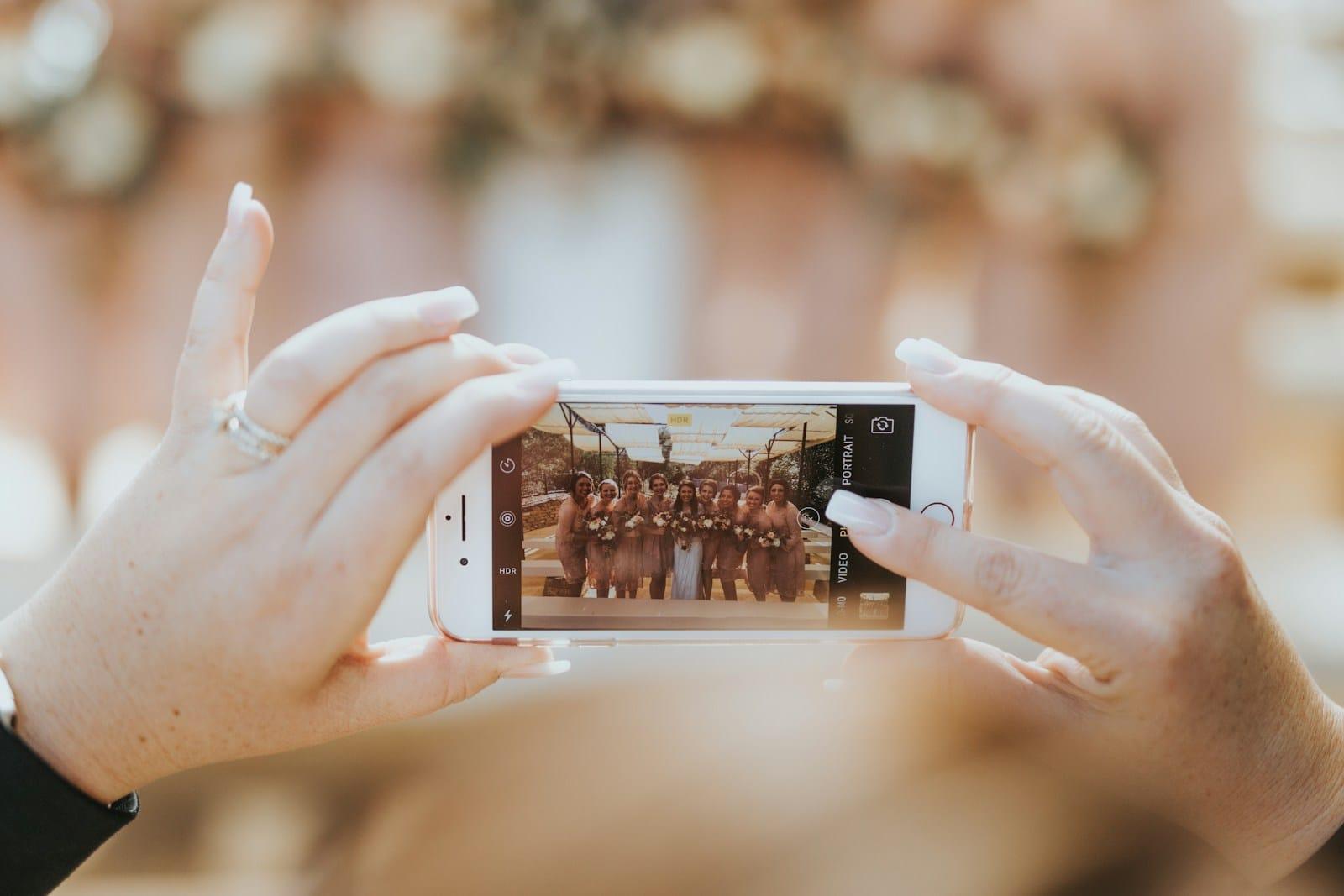


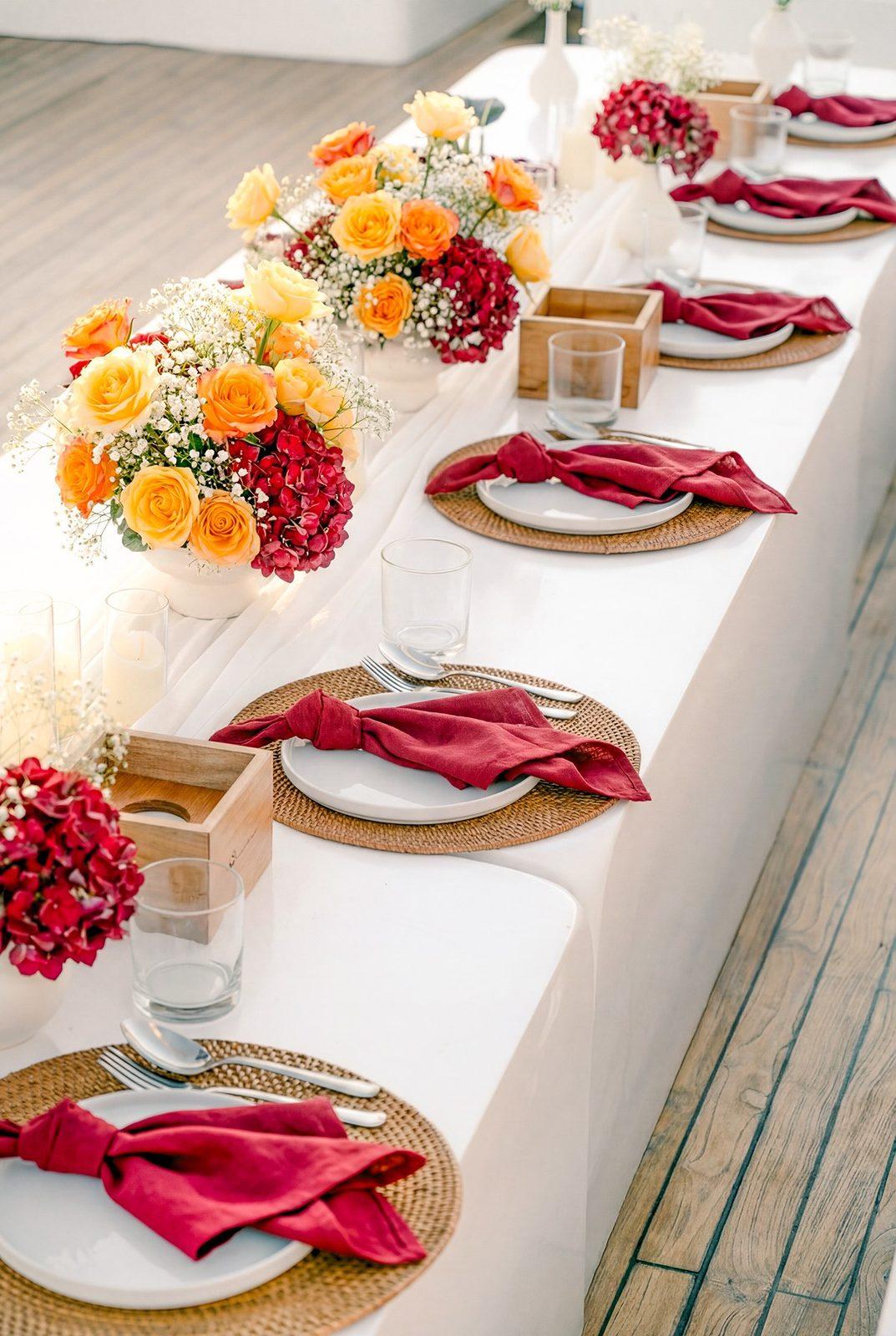



Filming guide

Nobody needs to be a pro.
Everyone needs a role

The difference between a pile of clips and a real film is a little briefing. This is the one your guests get: five rules for everyone, and a clear job for the friends you pick as Filmers.

Your guestsare filming anyway
Sidewaysfor the big moments
Verticalis fine on the dance floor

For every guest

Five rules on every table

  1. 1

    Turn it sideways

    For the ceremony and the speeches, hold your phone landscape. On the dance floor, anything goes.

    00:12

    Upright

    00:124K · 25

    Sideways

  2. 2

    Hold still, count to ten

    One steady shot beats ten quick ones. No zooming in and out, no swinging from left to right.

    00:124K · 25

    Swinging

    00:124K · 25

    Still

  3. 3

    Walk closer, don't zoom

    Zooming makes phone video soft and shaky. Take three steps forward instead.

    00:124K · 25
    8×

    Zoomed

    00:124K · 25
    1×

    Walked closer

  4. 4

    Turn around sometimes

    Film the faces watching: parents during the vows, friends during the speeches. Those are the shots couples cry over.

    00:124K · 25

    The faces watching

  5. 5

    Upload the original

    Use the link on your table card. WhatsApp and Instagram shrink your video to a fraction of its quality.

    00:124K · 25

    Via WhatsApp

    00:124K · 25

    Original

  • Wipe your lens on your shirt before you start. It fixes more than you would think.
  • No flash, no beauty filters, no slow motion. Zena does the look afterwards.
  • Filming someone speaking? Stand closer to them or to a speaker box, and stay quiet yourself.

Your Filmers

Five to ten friends, one job each

You pick the friends; Zena sends each of them a one-page brief two weeks before. Nobody films all night: everyone covers one moment properly, and enjoys the rest.

Ceremony, front

The Aisle

You own the ceremony from the front, from the first note of music to the kiss.

  • Stand at the side, near the front, so you see both faces
  • Start recording before the music starts and keep it running through the vows
  • The partner waiting at the front, the moment they first see each other
  • The rings, the kiss, the walk back down the aisle

TipFilm in 1080p at 25 fps so the whole ceremony fits on your phone. Lean your elbows on something to keep steady.

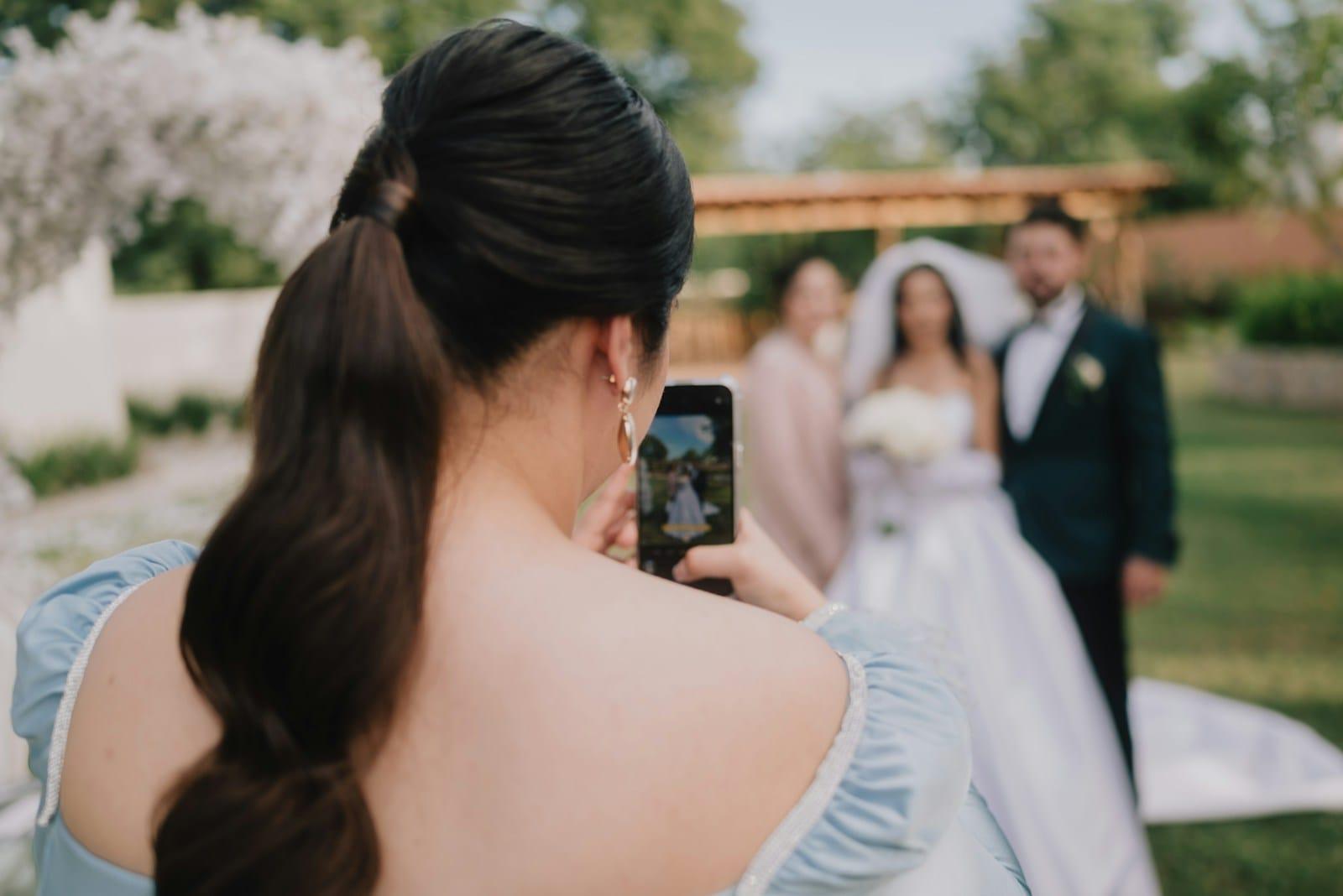
Ceremony, from the guests

Row Three

You show the ceremony the way the guests saw it, and how they reacted.

  • A wide shot from behind the guests with the couple in the middle
  • The parents and grandparents during the vows
  • The laugh, the tears, the cheer after the kiss
  • Confetti, petals or bubbles as they walk out

TipShort clips of 10 to 20 seconds are perfect. Landscape, and hold each shot still.

Reception

The Speeches

You film every speech from start to finish. The words are what couples keep forever.

  • Each speech in full, from the first word to the toast
  • Stand close to the speaker or the speaker box so the sound is clear
  • Rest your phone on a glass or a table, landscape, and leave it rolling

TipDon't stop between jokes, and don't talk while you film. Ask a second Filmer to catch the couple's reactions.

Speeches and toasts

The Reactions

While someone speaks, you film the people listening.

  • The couple laughing or wiping a tear
  • Parents, best friends, the table that cheers loudest
  • Glasses going up for the toast

TipShort and steady: 5 to 10 seconds per face is plenty.

First dance and party

The Dance Floor

You catch the first dance in full, then the energy of the night.

  • The whole first dance, landscape, from the edge of the floor
  • Then anything you like: vertical is fine here
  • The big sing-along, the friends who go all out, the last song

TipGet low and close on the dance floor. Use the main camera, not the selfie camera.

Before guests arrive and golden hour

The Details

You give the film its atmosphere: the place, the styling, the light.

  • The venue before it fills up, the tables, the cards, the flowers, the cake
  • Slow, calm clips of 5 to 10 seconds, moving gently or not at all
  • Golden hour: the sky, the couple in the distance, the view

TipMove slowly, as if you are carrying a full glass of champagne.

Optional

The camera captain

Is there a guest with a recent iPhone Pro or a high-end Android who likes taking photos? Make them camera captain. They film the hero shots, and Zena grades them like real film footage.

  • 4K at 25 fps (iPhone: Settings, Camera, Record Video)
  • iPhone: turn HDR Video off (Settings, Camera, Record Video). It makes the colours easier to match with everyone else's clips
  • Know your way around Apple Log on an iPhone 15 Pro or newer? Use it for the hero shots only: it looks flat on the phone, which is exactly what Zena wants, but it fills your storage fast
  • Tap and hold on the subject to lock focus and exposure before each shot
  • Use the 1x or 2x lens; avoid the digital zoom beyond that
  • Bring a power bank and clear at least 30 GB on the phone

Their shots: the couple walking in and out, golden hour with the couple, the first dance, the send-off at the end of the night.

9:41●●● ▮
‹ Camera

Record Video

1080p HD at 25 fps
4K at 24 fps
4K at 25 fps✓
4K at 30 fps

HDR Video
Enhanced Stabilisation

Settings, Camera, Record Video. Pick 4K at 25 fps and switch HDR Video off.

AE/AF LOCK1×4K · 25

Sideways, 1×, and tap and hold until AE/AF LOCK appears.

For the two of you

Four small things, that's all

  1. 1

    Two weeks before

    Pick 5 to 10 Filmers and give each a role. Zena sends every Filmer their own one-page brief.

  2. 2

    The week before

    Remind your Filmers to clear space on their phone and bring a power bank.

  3. 3

    On the day

    Ask your MC to read the short line below once, after dinner is served.

  4. 4

    The morning after

    Share the upload link in your group chats. Guests often find their best clips the next day.

After dinnereveryone has their phone out

For your MC to read

“Quick one from the couple: there's a card on your table with a QR code. Anything you film or snap tonight, drop it in there, not on WhatsApp. They'd love to see tonight through your eyes.”

Limited weddings each month

Ready to give your guests a role?

Tell Zena your date. She replies within a day, no payment needed.